Streaming Workspace Manager for Windows
Stream Without Chaos.
Game. OBS. Chat. All visible. Lightweight.
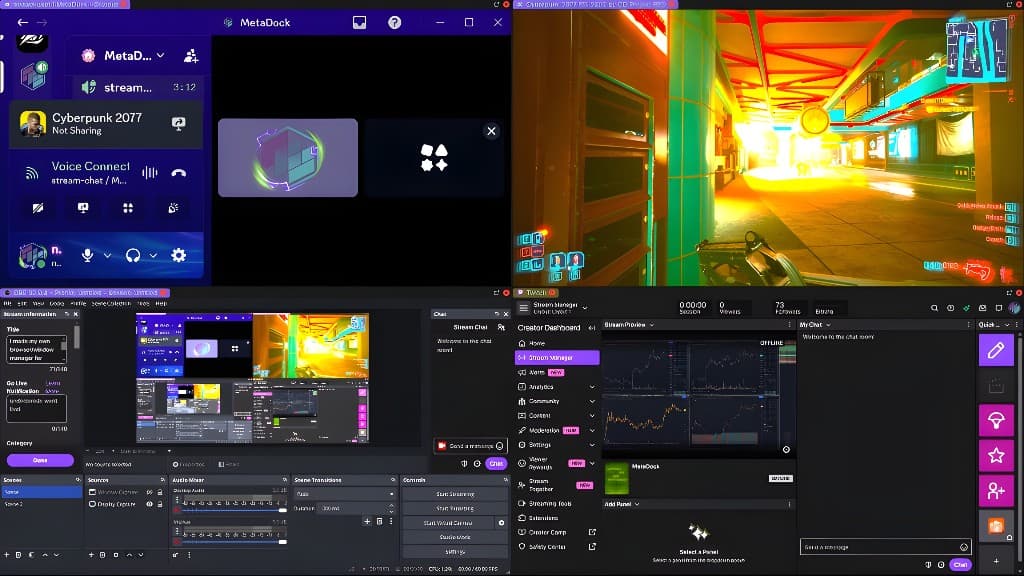
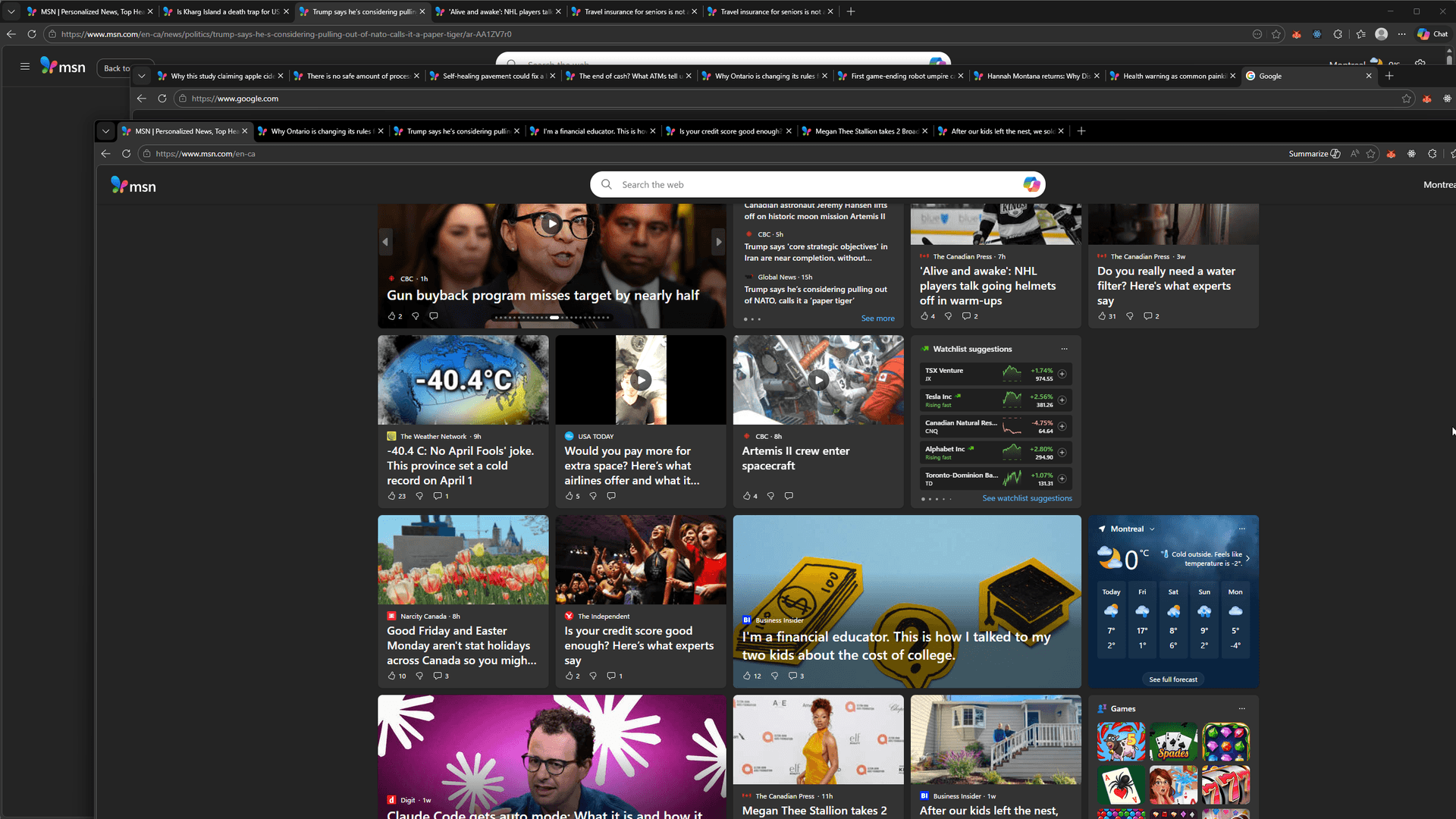
Never alt-tab on stream again.
 198.51.100.14
 203.0.113.72
 100.24.58.191
 51.142.89.203
 142.93.12.88
 91.134.200.1544.208.55.6
 103.6.84.210
Capabilities
What you get
Multi-screen layout control
Game. OBS. Chat. All visible. One layout.
Instant snap during live
Rearrange mid-stream. No lag. No chaos.
Low overhead
Lightweight. Runs alongside your apps.
Organized overlays
Alerts, chat, DMs—all where you need them.
Clean scene transitions
Switch layouts. One click. Stay in the zone.
Every stream starts the same way.
Alt-tabbing mid-stream while your chat misses a raid.
Rebuilding your OBS, Discord, and alert layout after every crash.
Losing viewer engagement because you can't see chat and game at once.
10 minutes of setup before you can even hit 'Go Live'.
Why MetaDock
Steam reviews
What people are saying
“As a Content Creator this is so useful - you can only have so many monitors at once. MetaDock takes care of all the hassle of running so many programs at once on multiple monitors. Now I only need two monitors for my streams.”
“Used it for multi channel streaming on Youtube and Twitch. The software does require some getting used to, but there are guides on Youtube.”
“It just works. So far the best browser I ever used. It has more functions than I ever knew I needed.”
Built for Streamers
Get your streaming setup ready faster. Arrange all your chat windows in one workspace. Dock running apps like OBS and Discord alongside.
Windows 10/11 only. macOS coming soon.
Not sure what these features do? See the full breakdown →
14-day money-back guarantee
Try any plan risk-free. Full refund within 14 days if not satisfied.
Cancel anytime
No lock-in. Stop your subscription whenever you want.
Local-first data
Layouts, profiles, and browsing data stored locally. No cloud sync.
FAQ